
GTA6 Map Guide: Learn Leonida and Plan Your Exploration
Get familiar with official Leonida region names and use a practical note-taking method to explore locations without relying on unverified map coordinates.
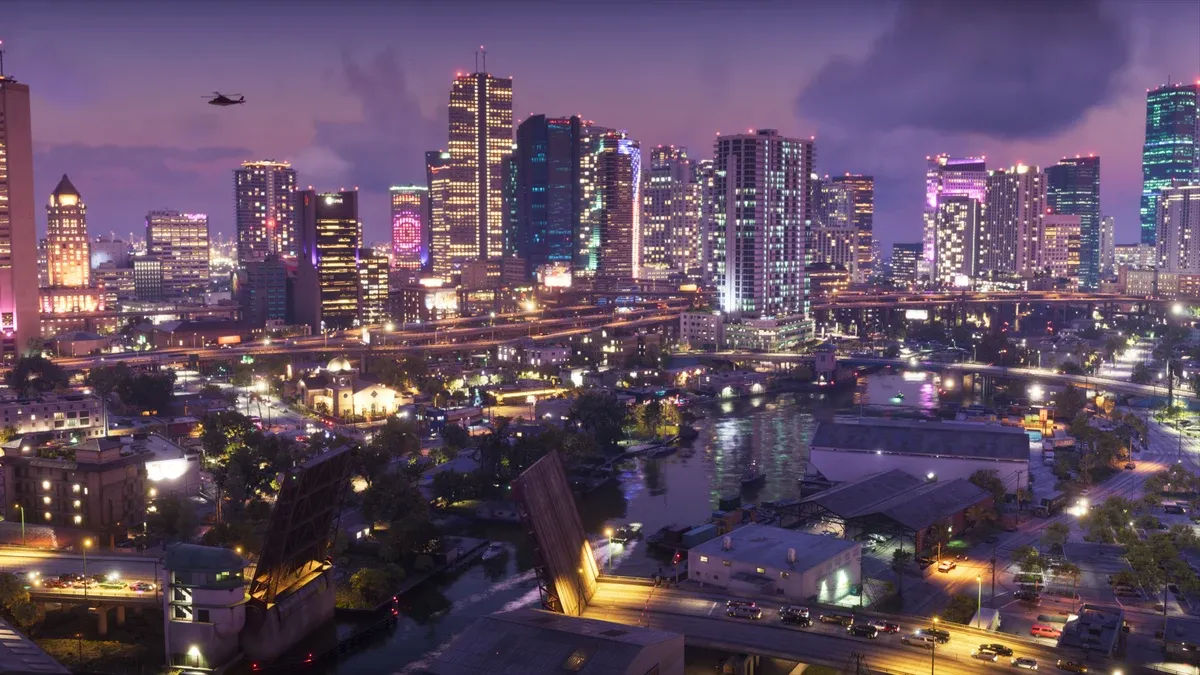
How should you understand the map before release?
Treat official setting material as an introduction to places, not a complete navigational map. Rockstar’s location presentation names Vice City, Leonida Keys, Grassrivers, Port Gellhorn, Ambrosia, and Mount Kalaga. Those names do not establish borders, travel times, or area unlock order. Official setting page
Which location details are useful to record?
Record a recognizable landmark, the route you used, and your reason to return. “Somewhere near the beach” is rarely enough for a second visit. When actual game labels are available, use those instead of assigning a familiar-looking place a name from another title.
| Note | What to record | Why it helps |
|---|---|---|
| Region | The name shown by the game | Separates similar places |
| Landmark | A sign, junction, or building | Helps recognize the approach |
| Route | Starting point and key turns | Makes another visit easier |
| Purpose | A current objective or personal interest | Explains why you saved it |
| Status | Visited, inaccessible, or uncertain | Keeps guesses separate |
How can you explore without getting lost?
Choose a small area and one purpose for the trip. Practise recognizing a route between two places you have already visited. Learn the map legend actually provided before following every visible symbol; a marker may belong to a different activity than your current objective.
When continuing a mission, check the current instruction rather than an old screenshot. The mission guide explains how to distinguish destinations from conditions. For setup and pacing, see the beginner guide.
What should you check before choosing a route?
Consider your transport, current objective, and any restrictions stated by the game. A direct line in a promotional image is not necessarily a road. A visible island is not necessarily immediately accessible, and an aerial view does not prove a usable shortcut.
For a first journey, favor a route you understand over an alleged fastest route. If the game offers navigation, observe how the route changes when you choose a destination. Otherwise, use landmarks rather than assuming an unavailable feature exists.
The vehicle guide offers a purpose-based comparison method. Transport availability and road access must still be checked in your own session.
Are fan maps and trailer analyses useful?
They can suggest places to investigate, but label them as unverified. A fan drawing may combine perspective estimates, real-world geography, and trailer observations. It is not a substitute for a navigable official map or an actual visit in the released game.
Do not publish precise coordinates, collectible totals, hidden interiors, or access requirements from an image alone. If sources disagree, leave the entry unresolved until you can check it.
What if you cannot reach a location?
Read your current objective and any visible access message. Do not assume that a missing route is a bug or that one particular story mission must unlock it. Mark the location unresolved and continue with a confirmed objective.
For equipment planning, read the weapons guide. More official views are available in Rockstar’s media gallery.
Related Articles
guides
GTA6 Beginner Guide: Launch Preparation and Your First Session
Prepare for GTA6 with platform checks, an installation checklist, spoiler controls and a practical plan for learning the game during your first session.
missions
GTA6 Story Guide: Jason, Lucia and a Spoiler-Light Start
Understand the official GTA6 story setup and use a spoiler-light method to read mission objectives, prepare for a retry and keep track of progression.
vehicles
GTA6 Vehicle Guide: Choose Transport for the Job
Compare GTA6 transport by route, handling and purpose, with a clear distinction between official vehicle imagery and untested performance or acquisition claims.
Was this helpful?
Thanks for the feedback!